Training Room Recording (Trainer's Desktop)
Trainers can record the Training Room and all participant's desktops. This is useful for reviewing course content or revisiting issues students encounter during the session, which can aid troubleshooting for both your own notes and the development team's support.
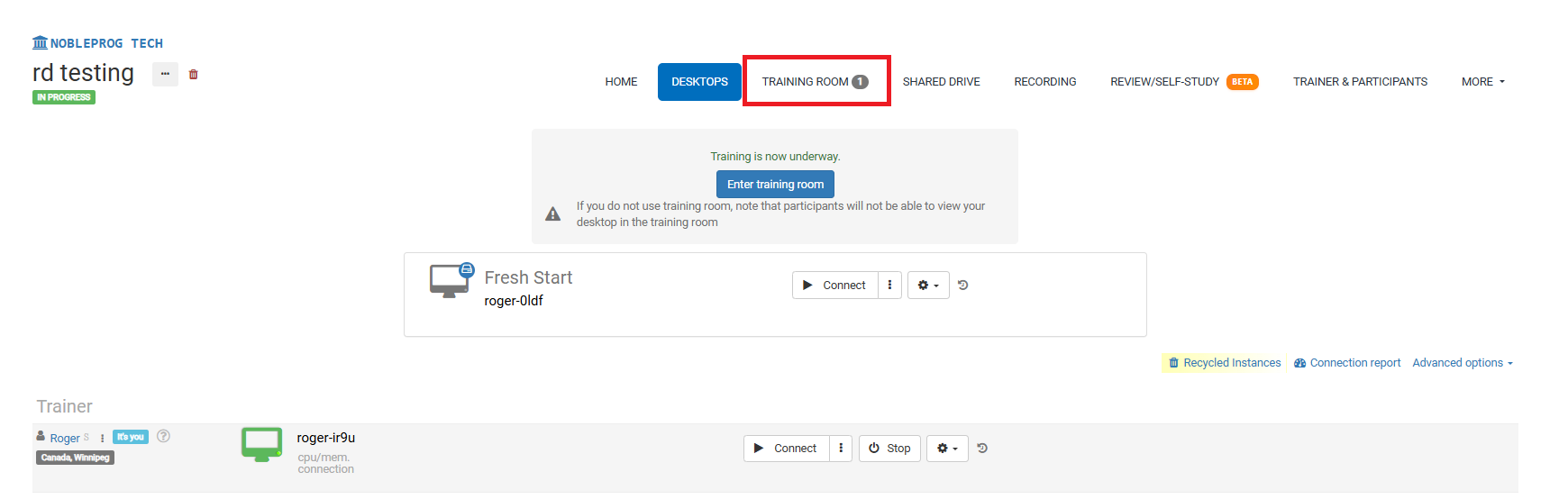
Training Room Display:
Recording Button
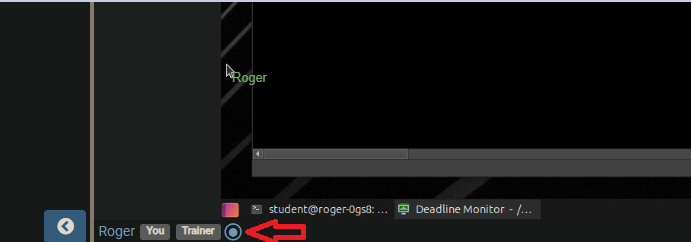
Once in the Training Room, find the recording button at the bottom, as shown in the screenshot below; it sits next to your name and the tags associated with your user.
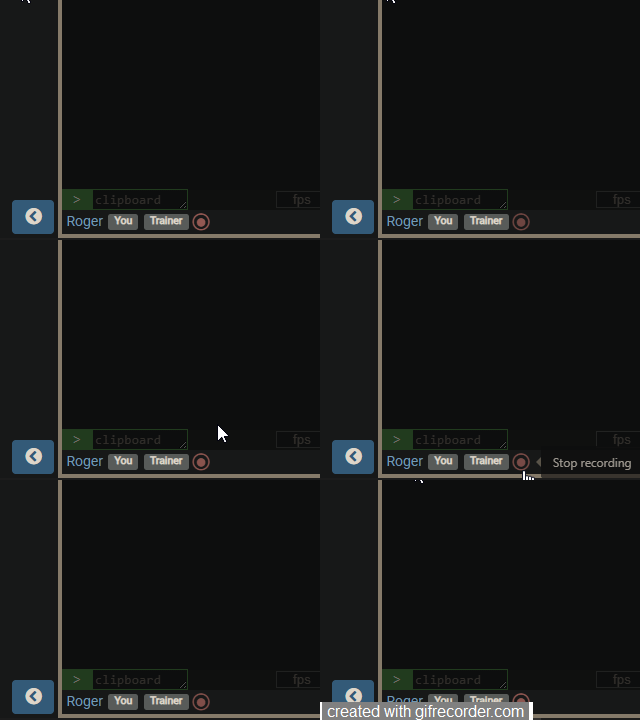
Activating the button starts the recording, and the button will then blink red slowly. To stop, just click the button again.
Accessing Your Recordings
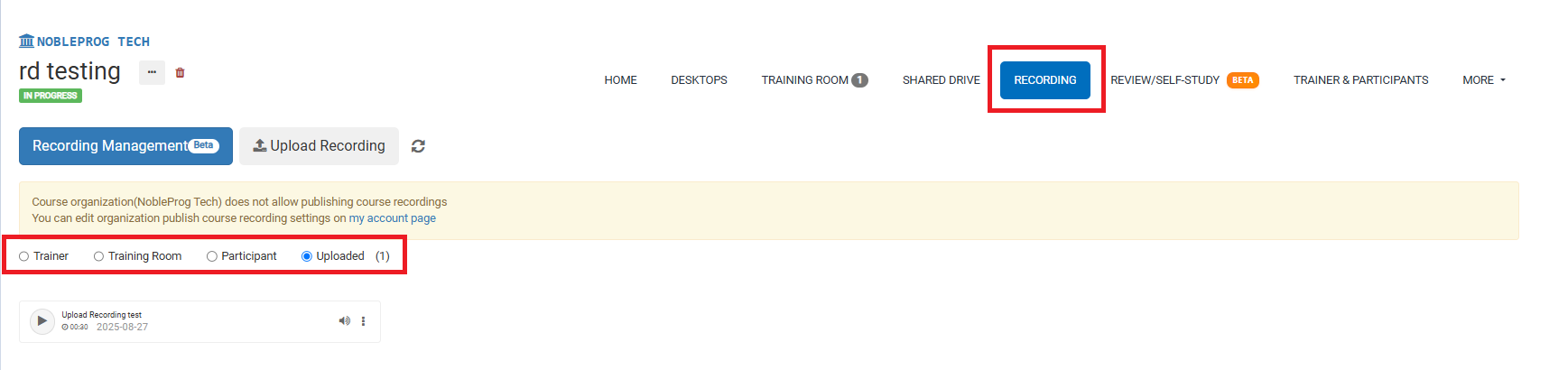
On the course page, you can access all your recordings by selecting the `Recordings` tab. Once you do that, you'll be able to pick which recording type you want to view.