Scheduling Multiple Dates for a Course
When creating a course in Brazil, you can schedule it over several dates. This lets you tailor the course's availability for your participants to better fit your timetable.
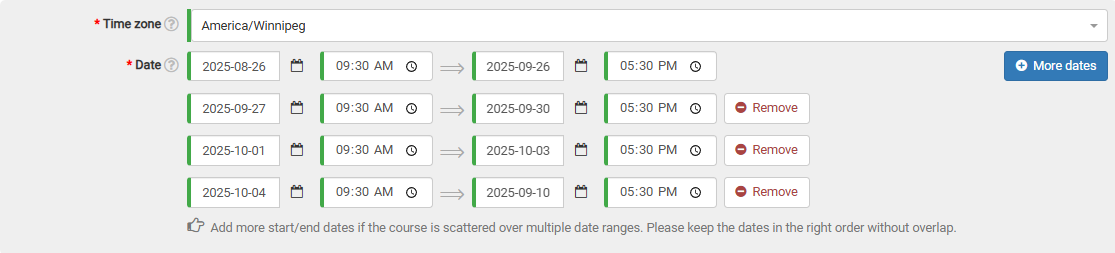
On the course form, in the dates section, click the "More dates" button. This will add a new date selection row to the form.

You're free to add as many date ranges as you need, just make sure they don't overlap with one another.
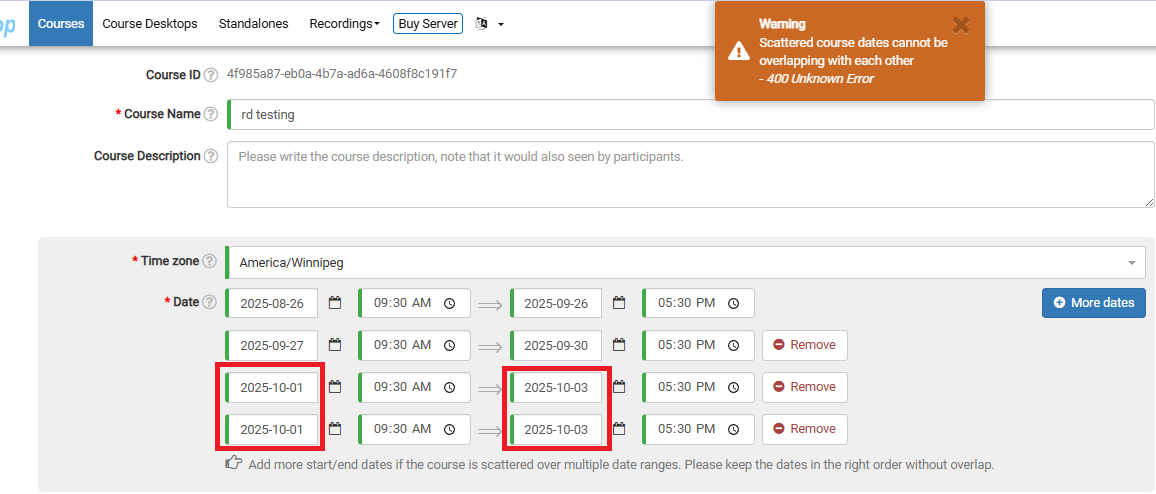
If there is an overlap, attempting to submit the course will trigger a warning banner at the top of the page. In the example below, I accidentally selected two identical date ranges.