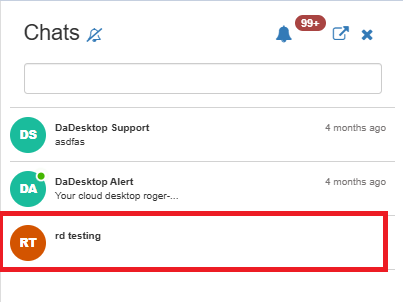
Course Chat
Course Chat lets trainers, participants, and support staff communicate about the course that's currently running. It's built right into the training room.
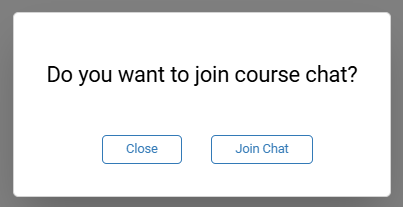
To join the chat, simply enter the training room. You'll then be prompted to hop into the course chat.
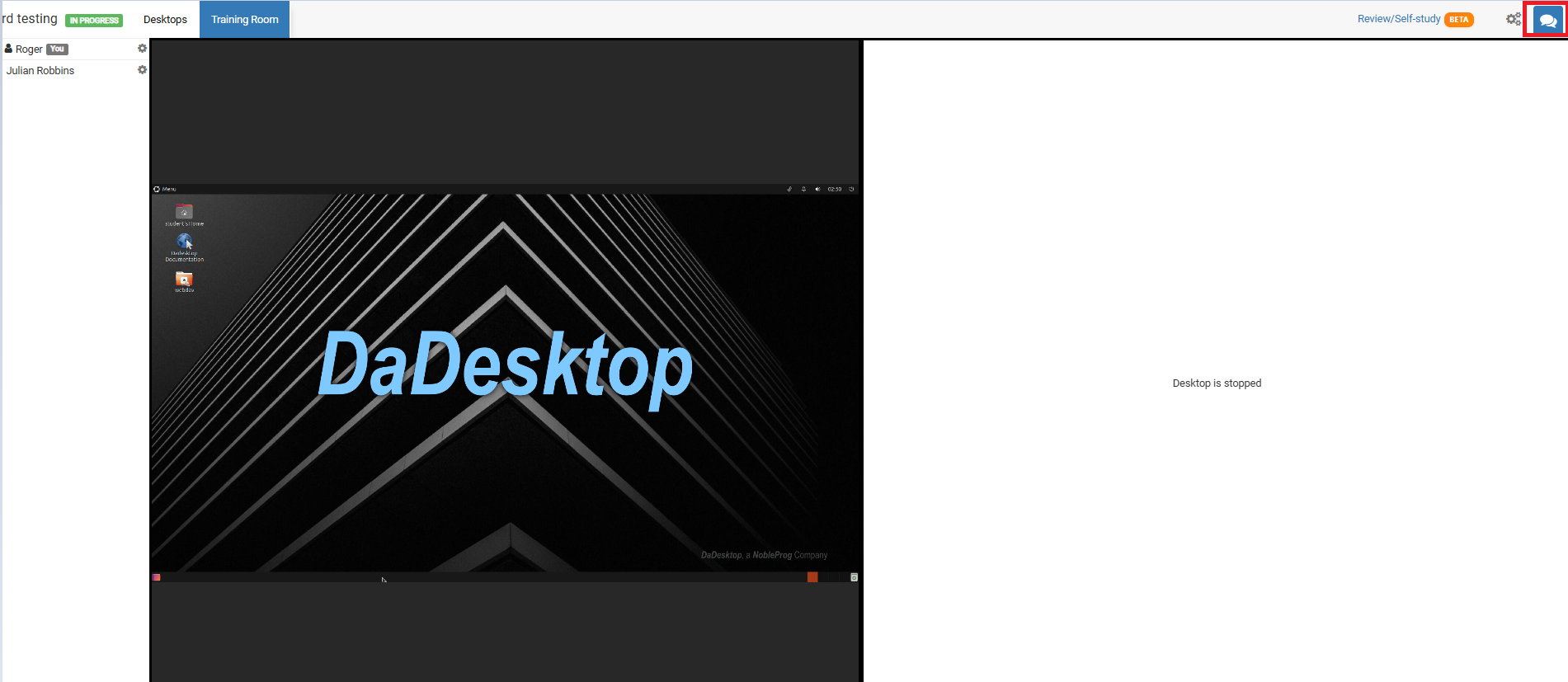
Whenever you need to get back to it, just click the chat icon in the upper right corner of the training room.
Clicking that icon opens the chat panel on the left, where your course appears in the list. You can enable notifications at the top of the chat panel to hear a sound whenever a new message is added to the course chat.