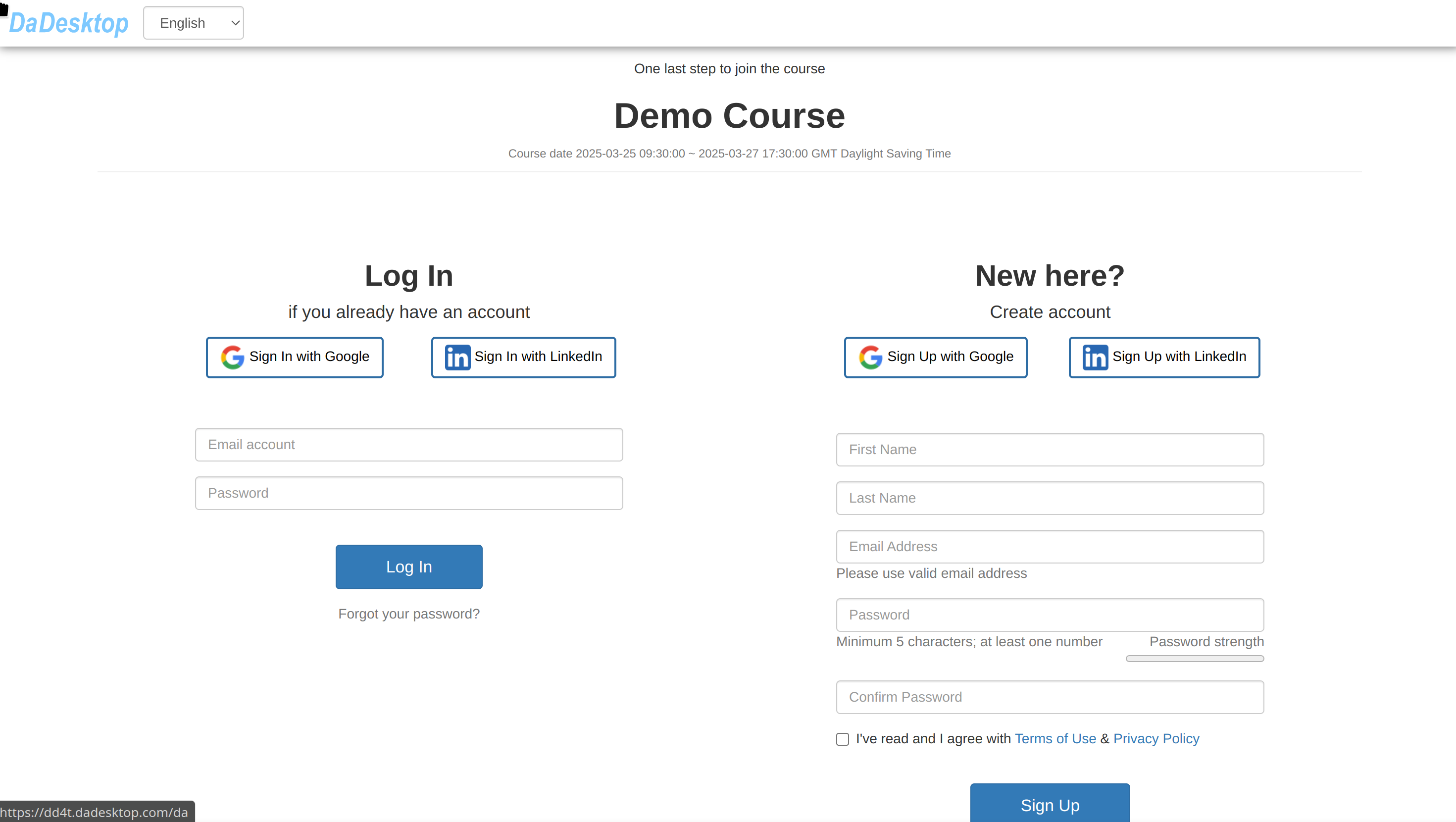
Getting Participants on Board
Once a course is set up, the trainer can invite participants by sharing a distinctive pink invitation link.
- By clicking the link, participants can sign up for the course.
- That link is unique to that particular course – one link per course.
- Please use either Chrome or Firefox to complete the registration.
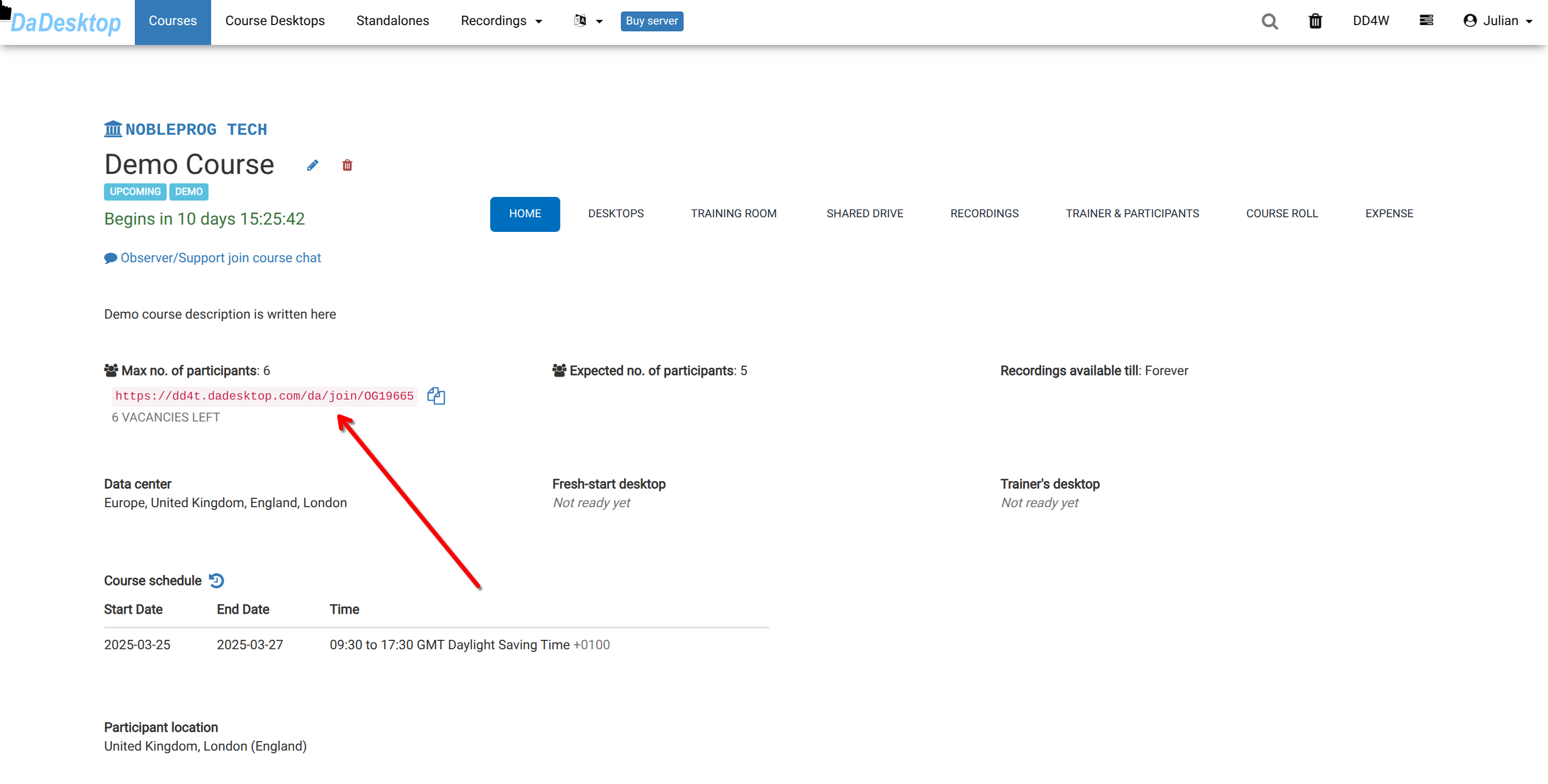
If you're a participant, just open that link to register for the training.