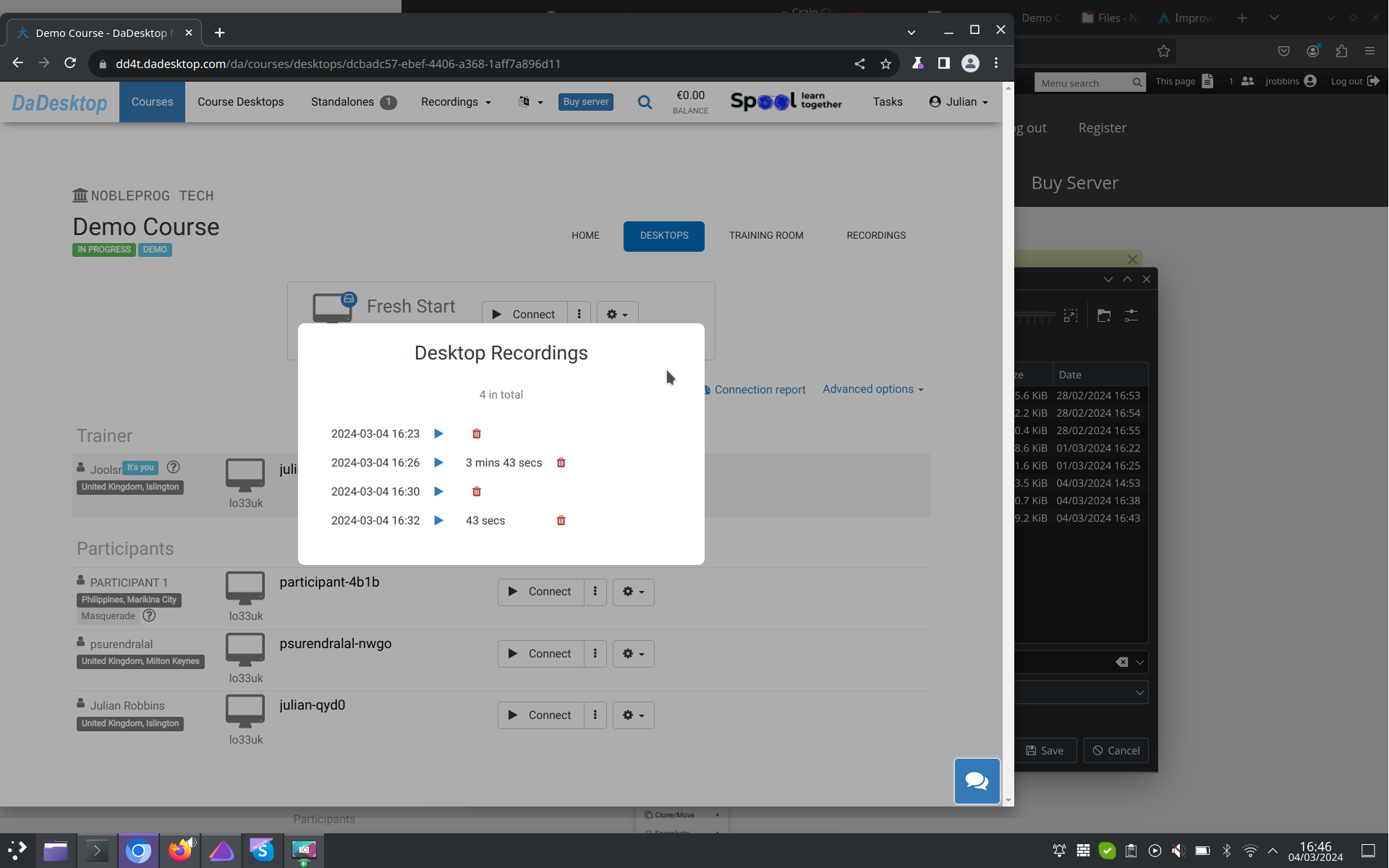
Auto-Session recording
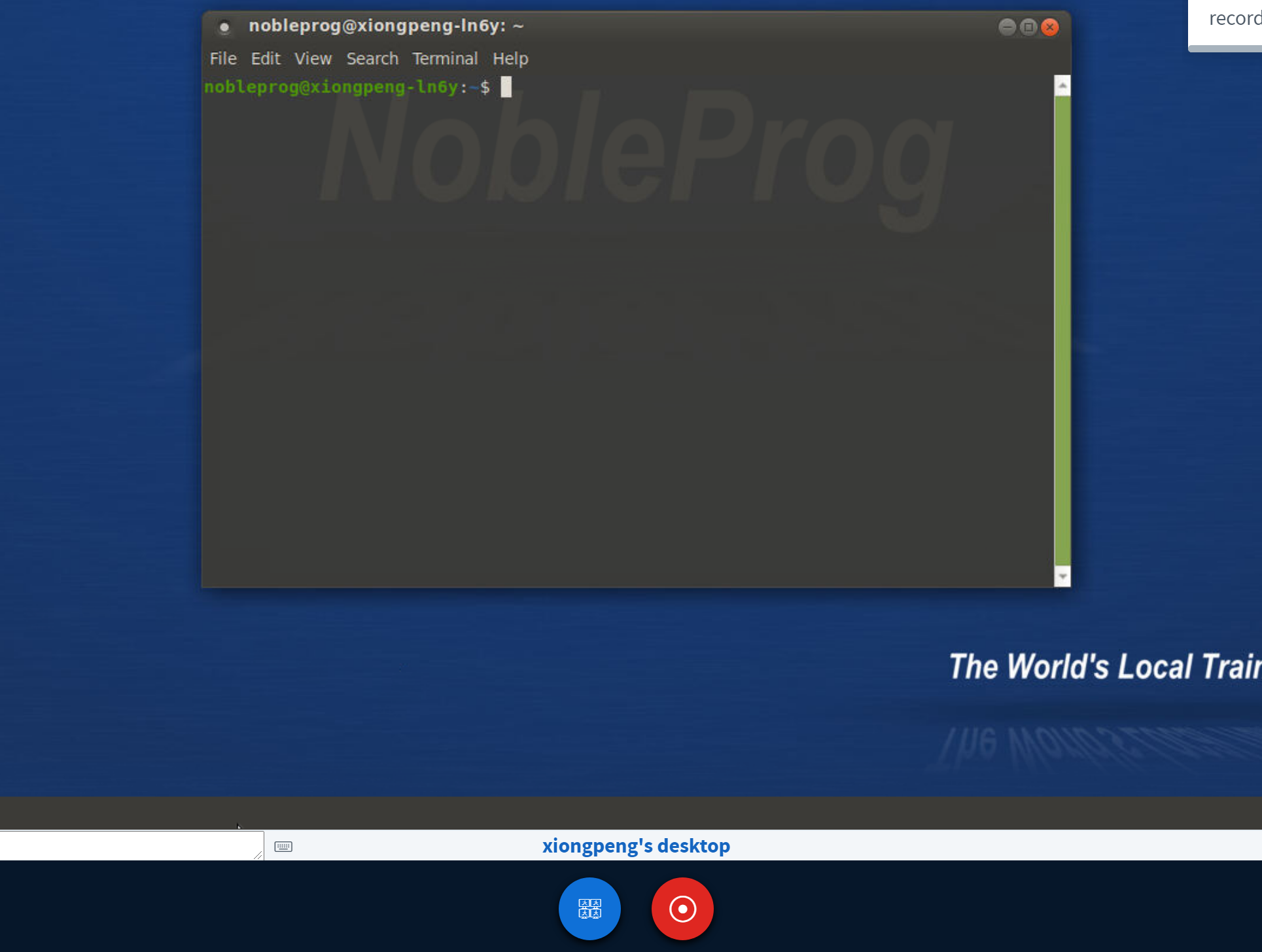
Your Trainer's Desktop is automatically captured via Auto-Session recording the moment you step into the training room.
To stop it, simply hit the "red-recording" button a second time.
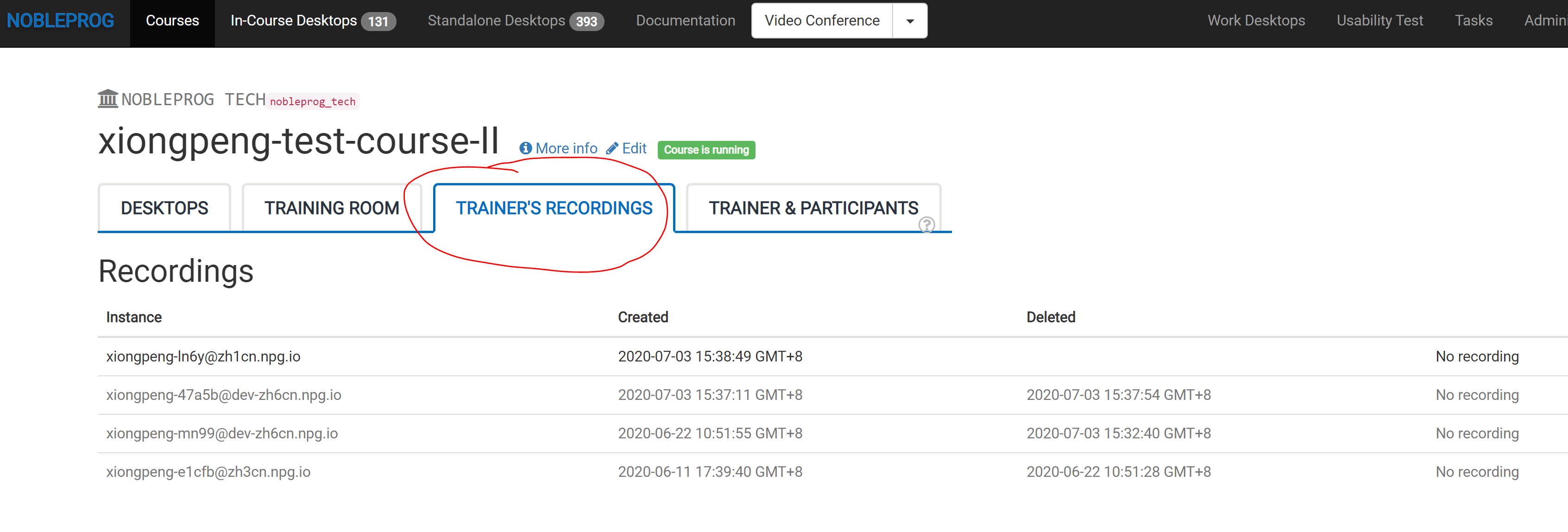
Access your recordings under the "Trainer's Recordings" section within your course.
Check out the Auto-Session recording of the Trainer's Desktop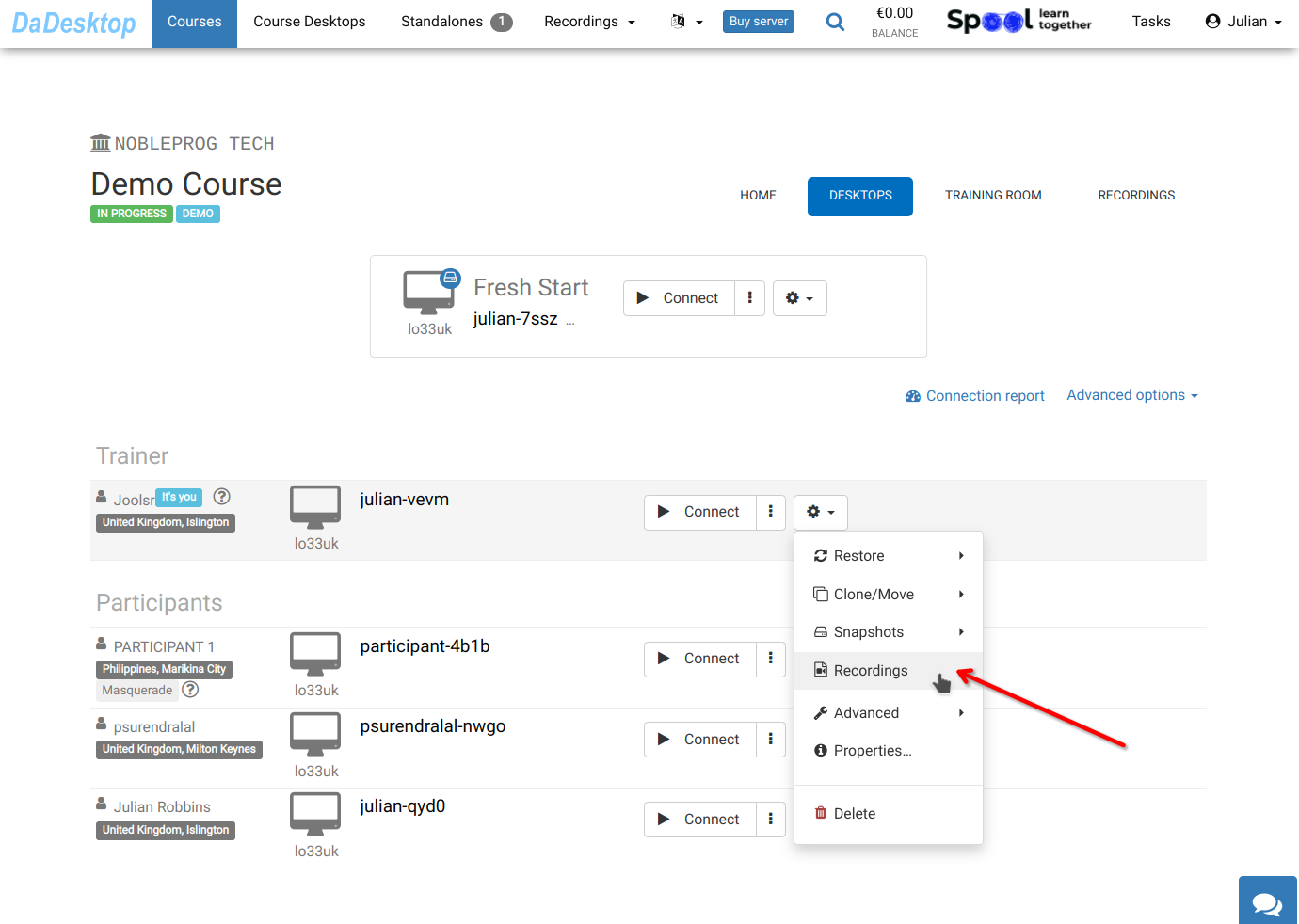
You'll find your recordings under "Recordings". Feel free to review or delete them as needed.