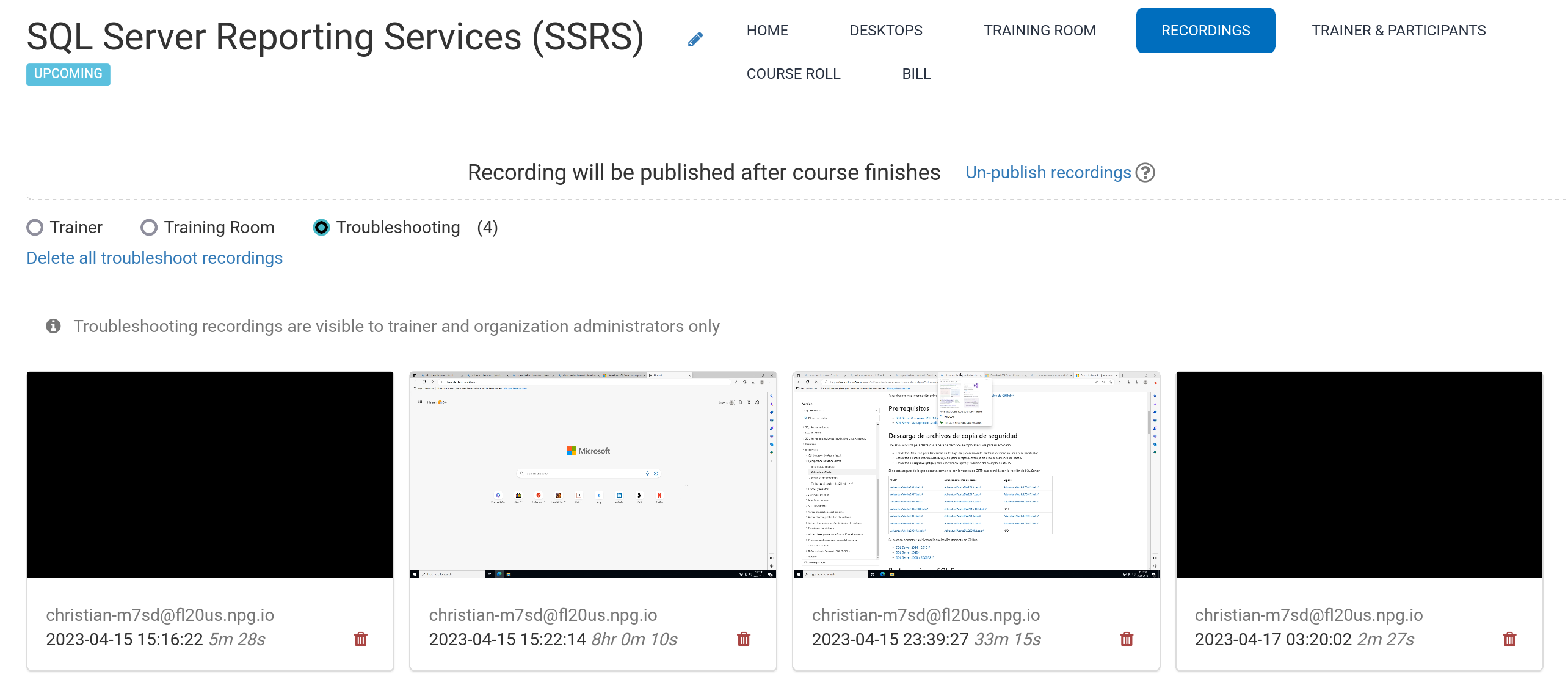
Automated Course Recording (Trainer's Desktop)
During a course, recordings of the Trainer's Desktop or Training Room (if used) are automatically captured.
To stop recording, press the red button again.
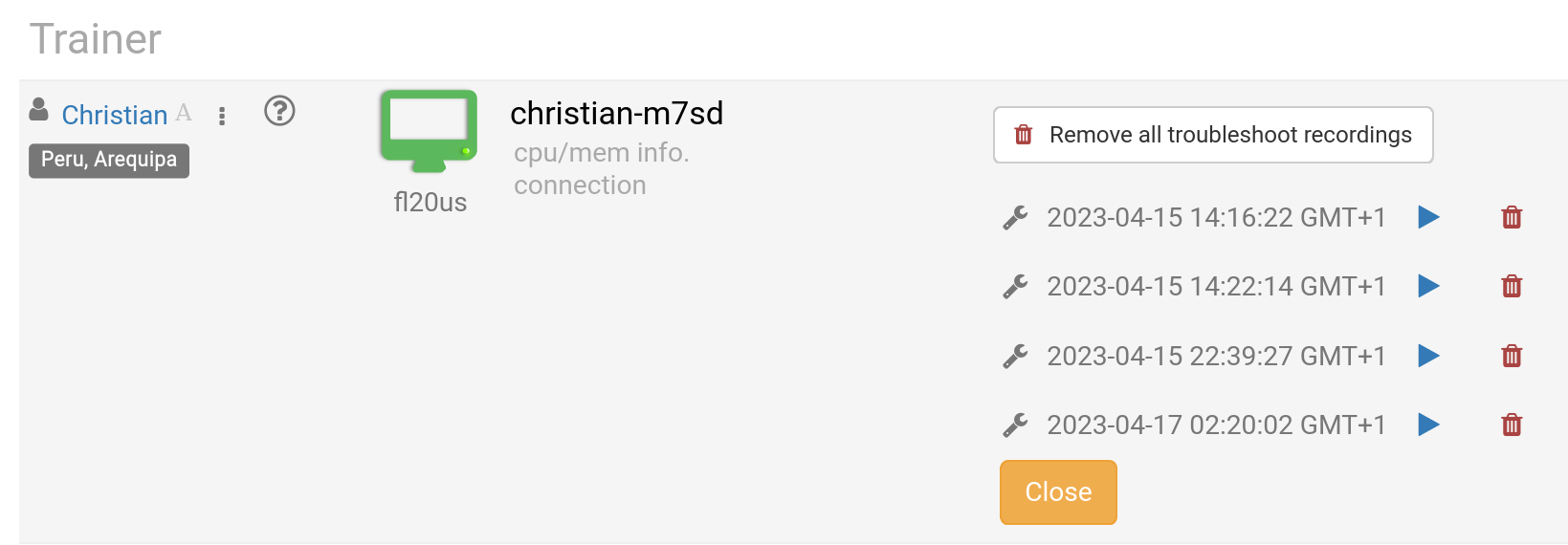
The Trainer can delete recordings whenever needed. While setting up the course, troubleshooting recordings are auto-generated, though they're only used to diagnose setup issues if necessary.
Find your recordings in the Recording section. They're divided into three categories:
- Trainer
- Training Room
- Troubleshooting
Only recordings from the Trainer and Training Room can be shared externally.