Character input issues: can't type apostrophes, quotation marks, or inverted commas on DaDesktop
It’s a frustrating glitch that pops up only occasionally, but it ties directly to your physical keyboard type, language settings, and internationalization choices.
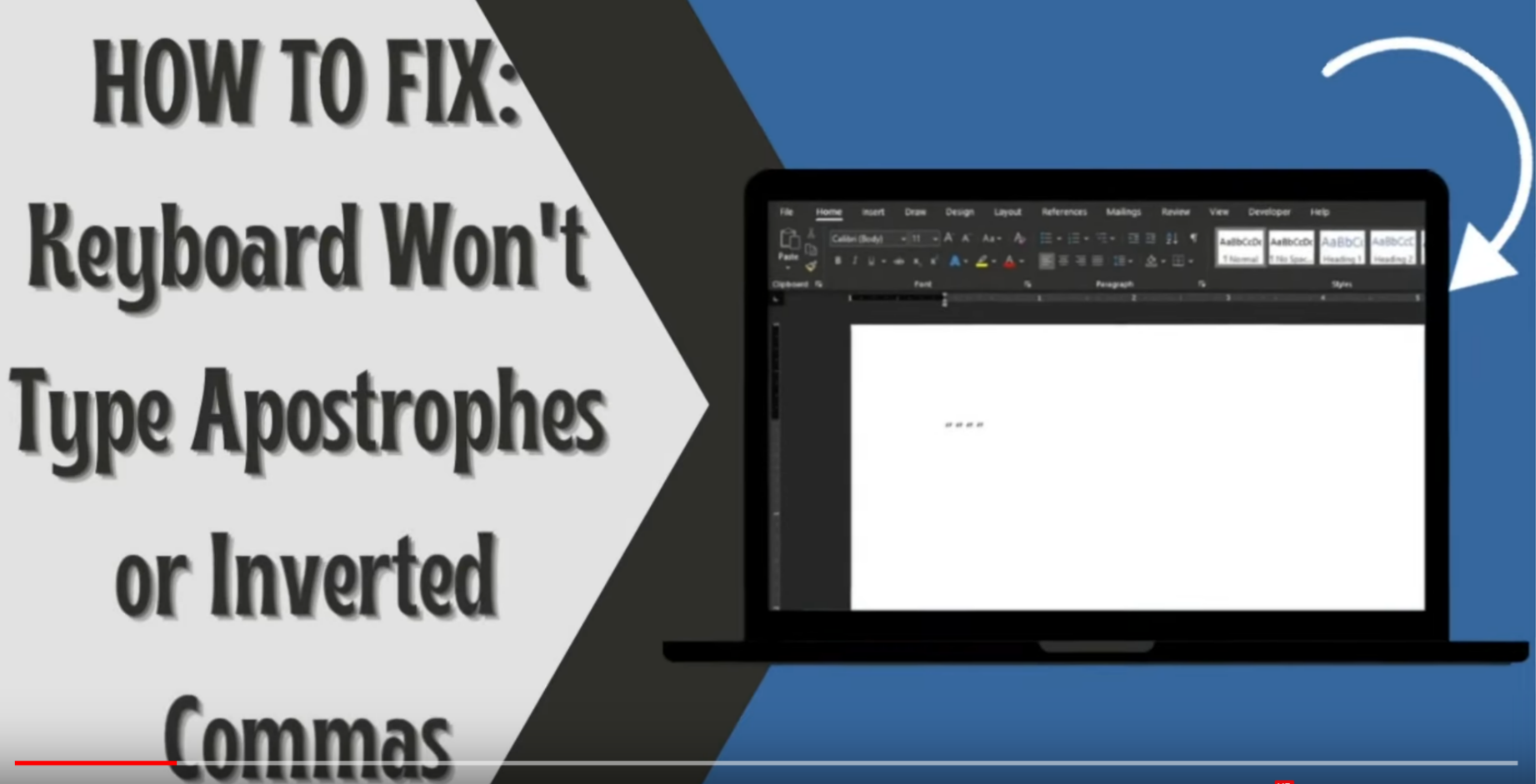
This is a Windows only Issue
Here’s how to sort it out:
- Open the Windows search bar and type in 'Settings'
- Select 'Time & Language'
- Click the language option on the left-hand side
- Under 'Preferred Languages', choose your preferred language, then click 'Options'.
- Next, pick 'Add a keyboard', and select the layout that matches your physical keyboard (for example, the US layout)
- Remove the old layouts by clicking each one and pressing 'Remove'
- Finally, test it out: type a single quote ' ' ', a double quote ' " ', and an inverted quote ` to make sure they all work.
This video walks you through the same solution.