A Guide to Fresh-Start, Trainer, Participant, and Standalone Machines
DaDesktop is a sophisticated training platform that offers cloud-based desktops for courses, along with administrative tools to effortlessly manage each course's machines.
To make this work, DaDesktop uses several similar but distinct desktop machine types to support these courses.
Below, you'll find an overview of the different machine types.
Fresh-Start Machine
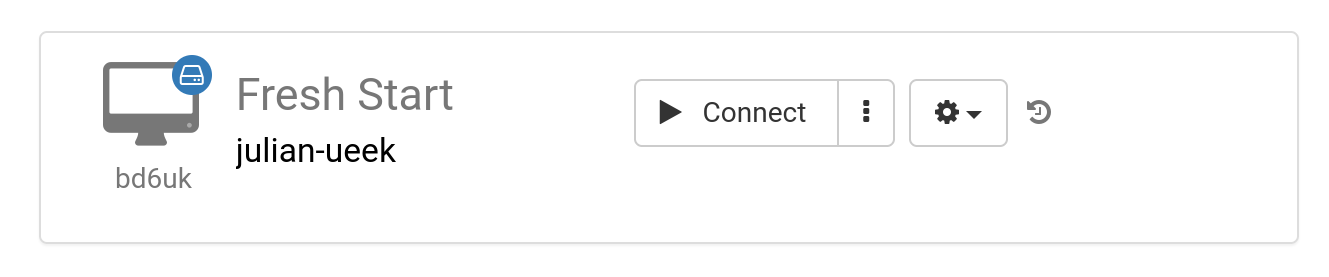
A 'Fresh-Start' is the DaDesktop machine where the Trainer creates and polishes the course material. Once complete, the Fresh-Start machine is copied to every Participant's desktop, ready for the course they're about to take. Think of a Fresh-Start as a 'Golden Image'—a baseline that can be reverted to if problems arise on the Trainer's or Participants' machines.
Trainer Machine
A 'Trainer' machine is used by the Trainer to present course material to Participants during the session. This machine evolves from the Fresh-Start baseline as the Trainer installs, configures, and runs the course-related software applications and libraries live.
If more than one Trainer is leading the course, there will naturally be multiple Trainer machines.

Participant Machine
Each participant gets a 'Participant' machine during the course, where they can install, configure, and work through exercises under the trainer's supervision.

Usually, Fresh-Start, Trainer and Participant machines are automatically deleted shortly after the course wraps up. That's where a fourth machine type comes in: a 'Standalone', which isn't tied to any course and can be kept as long as you need.
Standalone Machine
A 'Standalone' machine doesn't have to be used during a course at all. As the name suggests, it stands alone—a separate machine you can use before a course begins, after it ends, or entirely on its own without reference to any course. This makes the Standalone exceptionally flexible.

Here are some common reasons for creating Standalone desktops:
- Preparing training course content that can be reused time and again outside of a live course, or kept handy for whenever it's needed.
- When you need a flexible machine—maybe with a different operating system (Linux, Windows)—to safely experiment with new ideas.