Temporarily Overcommitting Resource Coefficients
You'll find this feature exclusively in DaDesktop Private Server (DDPS) and DaDesktop On-Premise (DDOP).
As courses become more complex and demanding on processing power—particularly with nested virtualisation or when running many trainee desktops—you might sometimes encounter an error like this one here in Brazil:

This warning appears when CPU, memory, or disk space is overcommitted. Your first step should be to move your machine(s) to a server or data centre with lighter load, or to reduce resource demands if feasible.
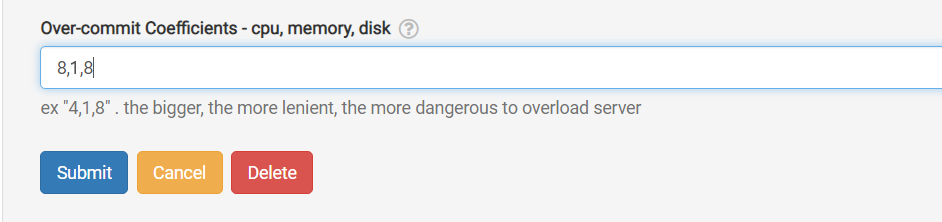
If that isn't possible and you're only slightly over the normally allowed maximum number of units, a quick fix is to temporarily overcommit one or more of the CPU, memory, or disk coefficients. You can do this right from the GUI as shown below.
Navigate to /da/admin/servers/all, click Edit beside your server, then scroll to the section below.
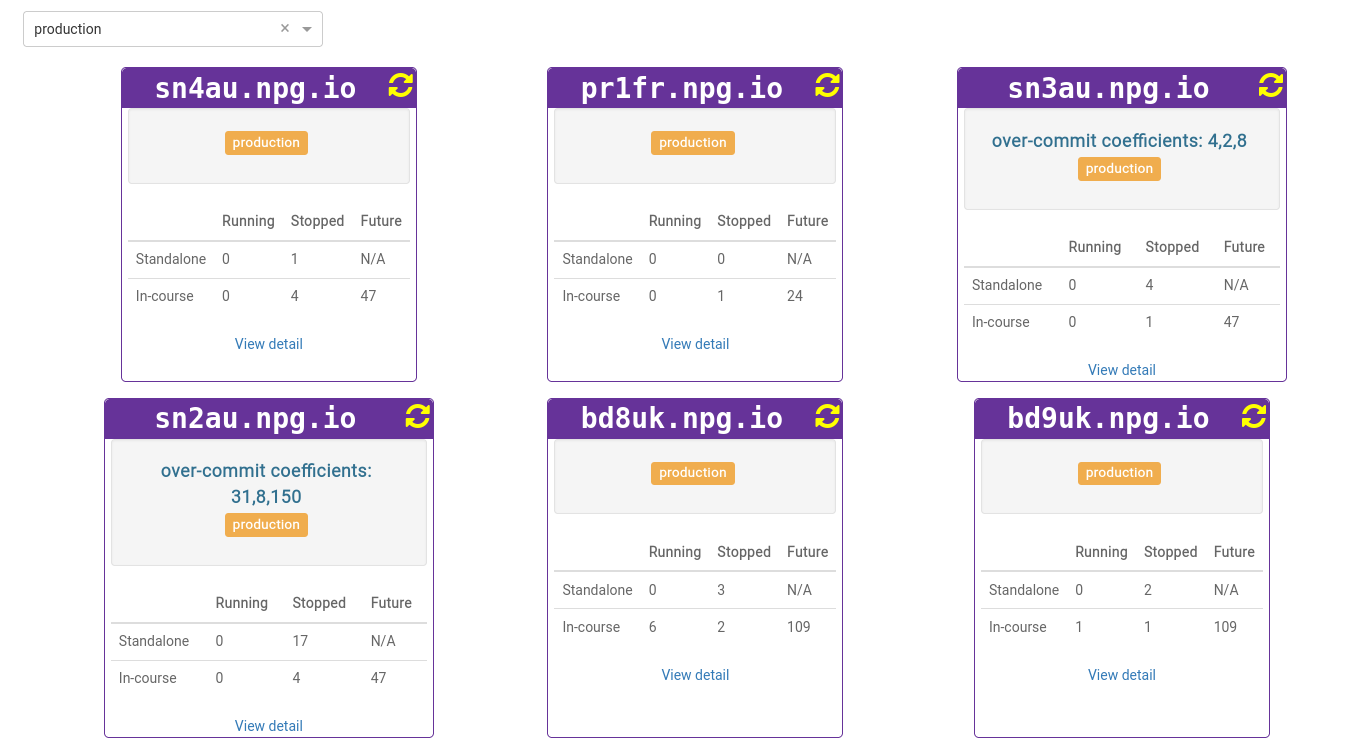
The server listing also highlights any servers using overcommitted coefficients, which is handy for clearing them after a course ends so you can return the coefficients to their defaults.
Treat any adjustments as a short-term workaround, not a lasting fix for insufficient resources. Once the course ends, remember to revert the settings you changed to allow it to run.
DaDesktop On-premise Requirements
The overcommit capability relies on tpapi,which is part of the DaDesktop codebase. Tpapi currently only supports Python 3.12, so the host OS must be at least Ubuntu 23.10.